Agent Builder
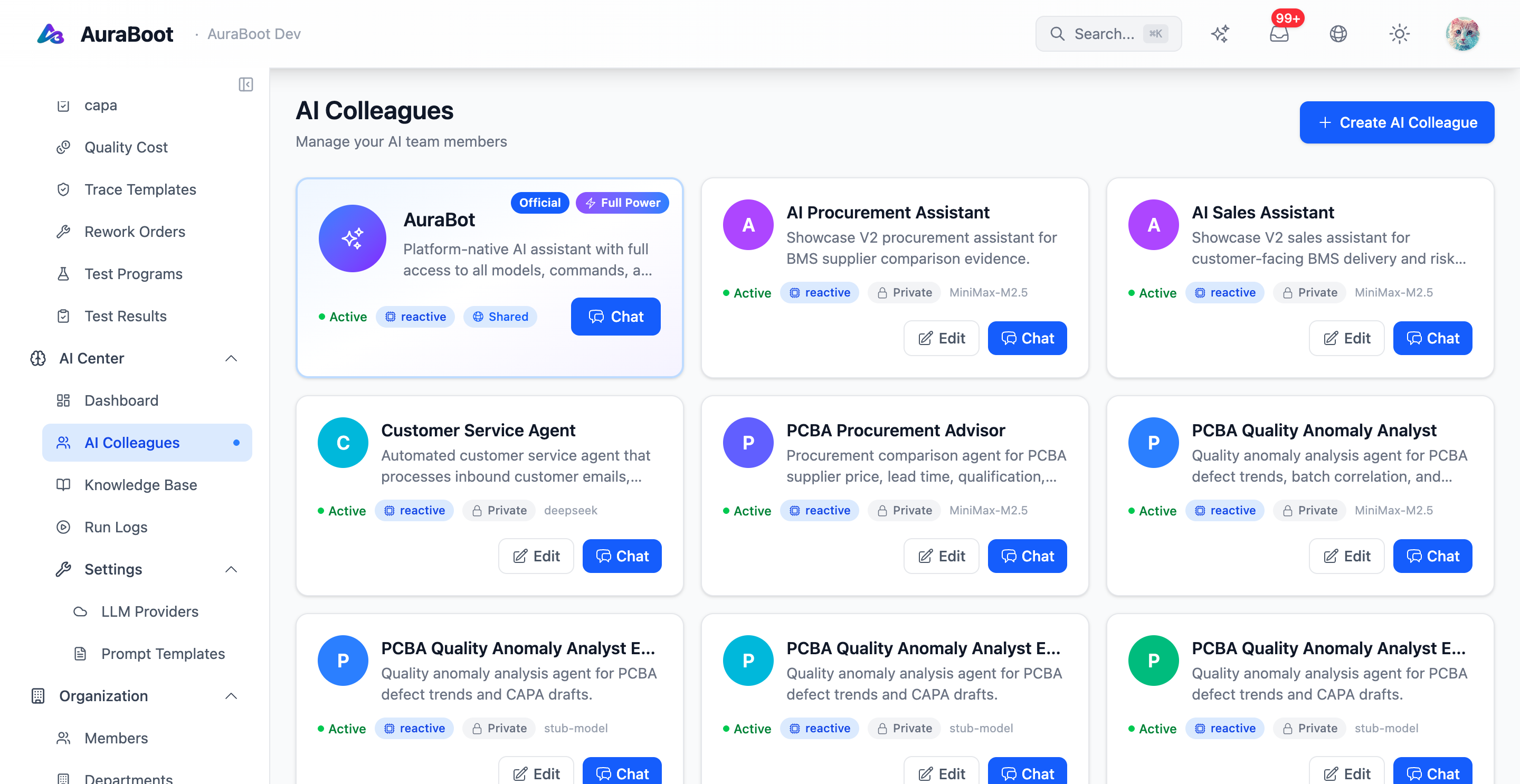
The Agent Builder is the configuration surface for an AuraBoot agent. An agent is a metadata record. It binds a name and role to a system prompt, a memory policy, a tool list, a model provider, and a set of guardrails. The agent runtime loads the record at turn time and uses it to decide what the LLM may see and what it may do.
Concept
An agent has six configurable parts:
| Part | Purpose |
|---|---|
| Identity | code, displayName, owner, version |
| Prompt | System prompt and role instructions |
| Memory | Short-term window, long-term summary policy |
| Tools | The whitelist of commands and named queries the agent may call |
| Guardrails | Risk thresholds, approval routes, forbidden topics |
| Model binding | Provider, model name, temperature, token caps |
Agents are versioned. Changing a prompt or tool list creates a new version; older versions remain auditable.
When To Use
- Carving a specialist agent out of a general assistant ("contract reviewer", "operations triage").
- Restricting a department-specific assistant to a narrow tool list.
- Trialling a new prompt or model without affecting the default agent.
- Wrapping an external workflow that needs a fixed set of tools and a guarded approval policy.
Architecture
+----------------+        +---------------------+
| Agent record   | -----> |  Agent Runtime      |
| (DB / DSL)     |        |  loads on each turn |
+----------------+        +----------+----------+
                                     |
                  +------------------+------------------+
                  |                  |                  |
            +-----v-----+      +-----v-----+      +-----v-----+
            |  Prompt   |      |  Tools    |      | Guardrails|
            |  resolver |      |  resolver |      |  resolver |
            +-----------+      +-----+-----+      +-----+-----+
                                     |                  |
                                     v                  v
                            +--------+---------+   +----+-----+
                            | Command pipeline |   | Approval |
                            | (permission +    |   |  gate    |
                            |  validation +    |   +----------+
                            |  audit)          |
                            +------------------+
The tools resolver does not expose every command. It intersects the agent's whitelist with the calling user's permissions. The result is the set of tools the LLM actually sees on this turn.
Authoring a Tool
A tool is a command plus an agent_hint (a single string the model reads when choosing which tool to call) and a cmd_risk_level (L0–L4, where higher tiers route to the approval gate). The hint should state what the command does, when to use it, and when not to.
{
  "code": "task:transition",
  "cmd_risk_level": "L2",
  "agent_hint": "Move a task from one workflow state to another. Use when the user asks to start, finish, approve, or close a specific task; do not use to read or summarize tasks (use task:query instead).",
  "inputFields": ["task_id", "to_state"],
  "permissions": ["task.task.manage"]
}Vague hints lead to wrong tool selection more than weak models do.
Configuring an Agent
code: operations-helper
displayName: $i18n:agent.operations.name
version: 4
model:
  provider: deepseek
  name: deepseek-chat
  temperature: 0.2
  maxTokens: 4096
prompt:
  system: |
    You are the AuraBoot operations helper. Use only the tools you are
    given. Never fabricate IDs or field values. If you do not know a
    record's ID, query first.
memory:
  window: 12
  summarizeAfter: 24
tools:
  allow:
    - task:query
    - task:create
    - task:transition
    - customer:query
  deny:
    - "*:delete"
guardrails:
  destructiveRequiresApproval: true
forbiddenTopics: ["payroll", "compensation"]Permissioned Tool Exposure
Tools are not exposed by name alone. At resolution time:
- The agent's
tools.allowlist filters the global registry. tools.denyremoves patterns (for example, all delete commands).- The current user's permissions further filter the list.
- Risk-tier and approval policy decorate each remaining tool.
The intersection is what the model sees. A tool the user cannot run is never offered.
Verify Checklist
- Each tool has a precise
agent_hintstating what it does, when to use it, and when not to. - Permission codes follow
<module>.<resource>.<action>. - Destructive tools route through the approval gate.
- The agent prompt does not embed secrets, API keys, or PII.
- A new version supersedes the old; old versions remain in audit.
Related