3. Wire permissions
This chapter locks the CRM down before it ever leaves dev.
Estimated time: 25 minutes.
3.1 Permission codes
Register the codes in permissions.json. AuraBoot enforces <module>.<resource>.<action> naming (see Permissions).
{
  "permissions": [
    { "code": "crm.lead.read",            "module": "crm" },
    { "code": "crm.lead.write",           "module": "crm" },
    { "code": "crm.lead.qualify",         "module": "crm" },
    { "code": "crm.account.read",         "module": "crm" },
    { "code": "crm.account.write",        "module": "crm" },
    { "code": "crm.opportunity.read",     "module": "crm" },
    { "code": "crm.opportunity.write",    "module": "crm" },
    { "code": "crm.opportunity.advance",  "module": "crm" }
  ]
}Run the static check:
# run locally
node scripts/validate-permission-codes.mjs3.2 Roles
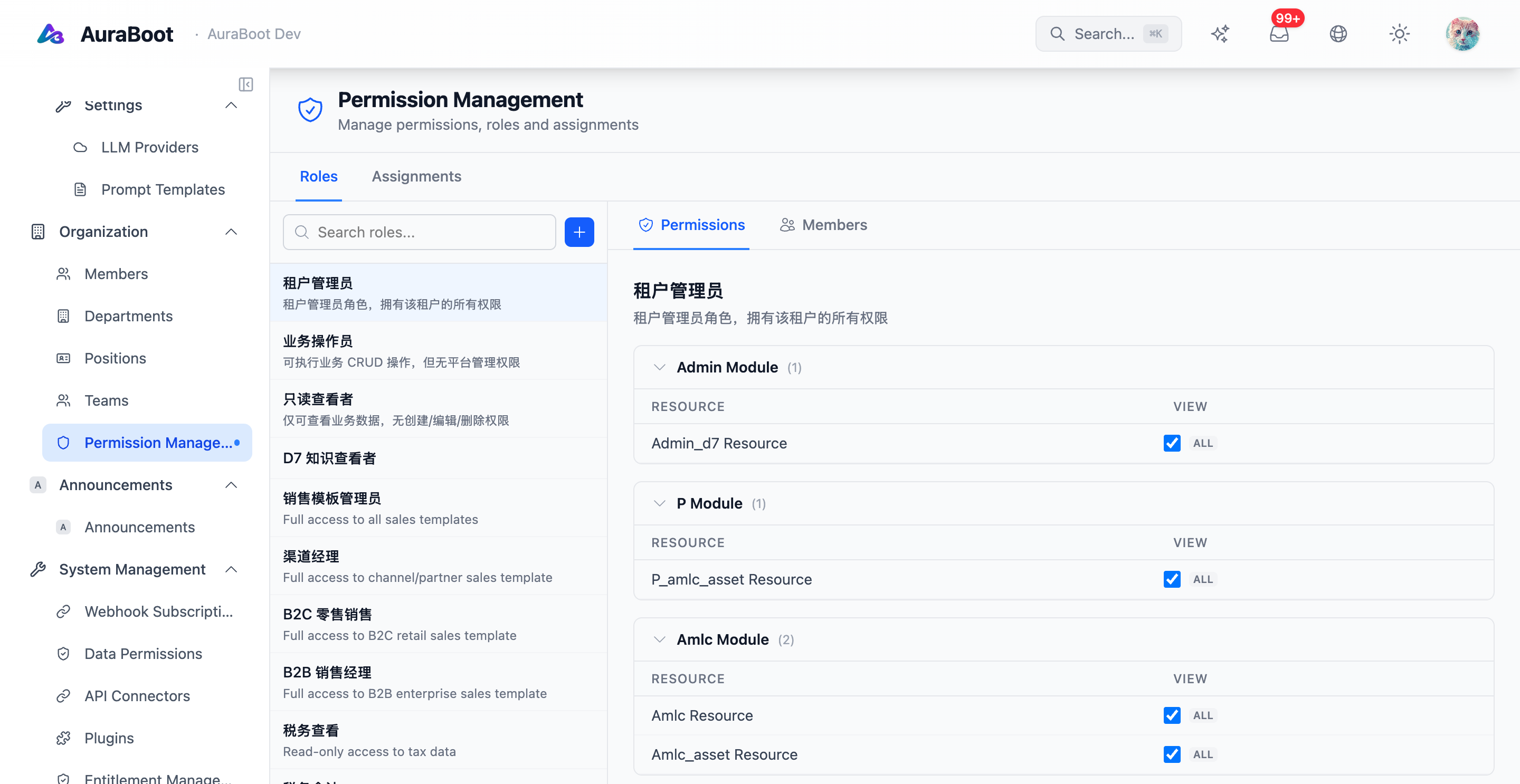
Create three roles:
| Role | Permissions |
|---|---|
crm.rep | crm.lead.* + crm.opportunity.read/write |
crm.manager | crm.*.read/write + crm.opportunity.advance |
crm.admin | crm.* |
Attach role-to-user mappings in System → Users.
3.3 Row-level data permission
A sales rep should only see leads and opportunities they own.
In Studio → Data Permissions → New rule:
- Model:
crm_lead - Role:
crm.rep - Predicate:
owner_id = :currentUserId
Repeat for crm_opportunity. Managers and admins get a no-op rule (1=1).
3.4 Annotate the controllers / commands
Every CRM Command should declare its permission via @RequirePermission(CrmPermission.X). Do not put raw strings in the annotation — that bypasses the strict validator (red line #13).
3.5 Verify
- Log in as a
crm.repuser → list shows only their own rows - Try calling
crm.opportunity.advanceascrm.rep→ 403 (no permission) - Log in as
crm.manager→ all rows visible, advance works - Run
node scripts/validate-permission-codes.mjs→ nounregistered codewarnings