What is AuraBoot?
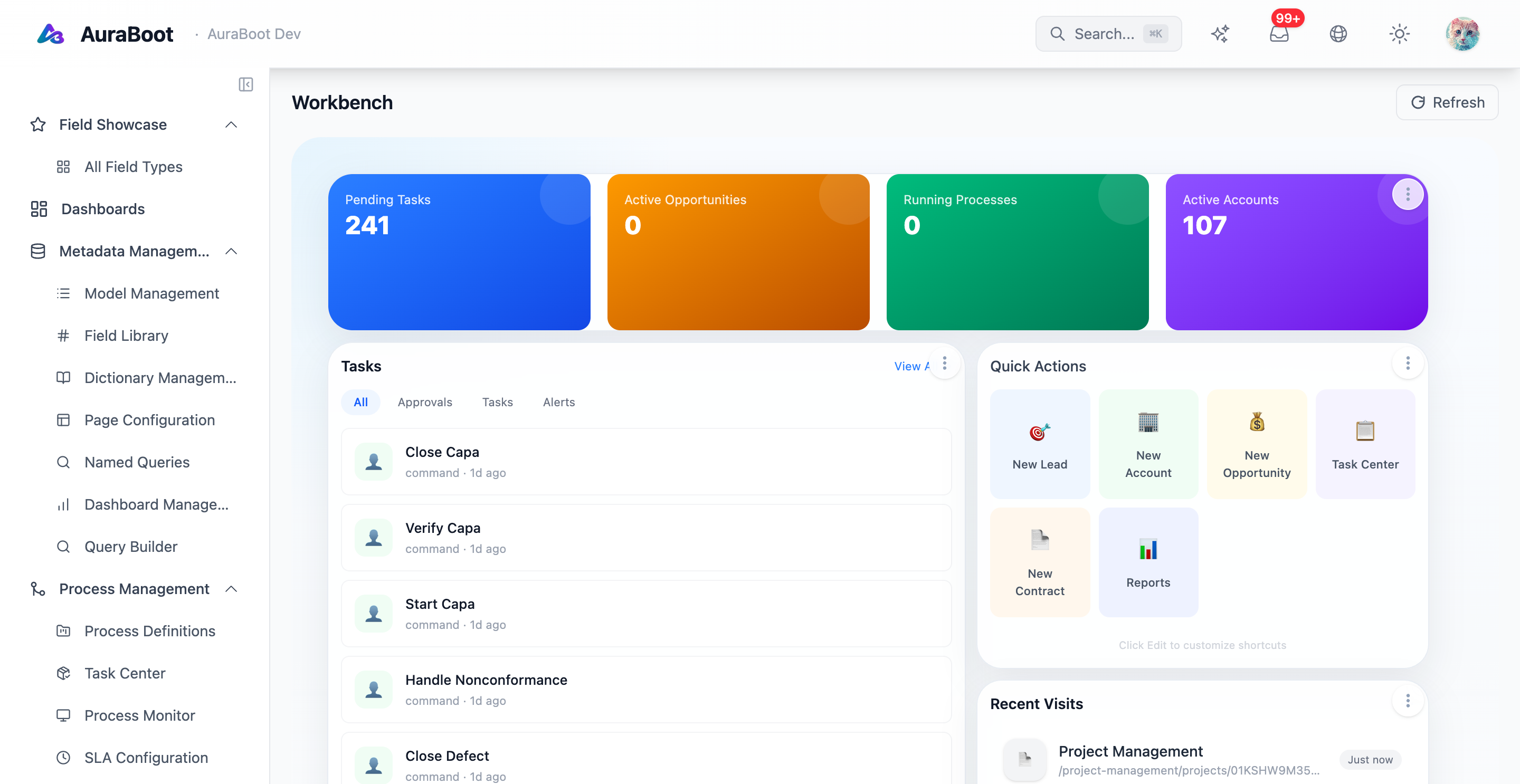
AuraBoot is a source-available, self-hosted low-code platform for building business applications. It is designed for teams that need CRM, ERP, workflow, internal tooling, dashboards, approval flows, or industry-specific modules, but do not want every screen, table, API, permission, and audit trail to be hand-written from scratch.
The core idea is simple: describe your business application as metadata. AuraBoot reads model, field, command, page, menu, permission, dictionary, and plugin definitions, then turns them into working database tables, REST endpoints, dynamic pages, role-based access rules, and auditable business operations.
AuraBoot is not only a form generator. The runtime includes a command pipeline, page schema renderer, plugin package system, BPM workflow integration, data permissions, automation hooks, and optional AI-assisted workflows. For standard business screens you use configuration. For deep domain logic you can add backend or frontend extensions.
Who AuraBoot is for
AuraBoot is a good fit when your application has repeated business patterns:
- Many entities with CRUD operations, lists, forms, detail pages, and permissions
- Approval or state transition workflows around records
- Multiple tenants, departments, roles, and data visibility boundaries
- Business modules that should be packaged, reused, and versioned
- Internal tools that need to evolve without rebuilding every screen
- A desire to keep business definitions in Git as JSON rather than hidden in a closed SaaS builder
It is usually not the right fit for a consumer app, a highly custom game-like UI, or a workflow where every screen is a one-off React application.
The platform model
AuraBoot applications are assembled from a small set of platform primitives:
| Primitive | What it defines | Runtime output |
|---|---|---|
| Model | Business data shape | Database table, API resource, fields |
| Dictionary | Controlled values | Select options, tags, status values |
| Command | Business operation | Validated transaction, audit, side effects |
| Page | UI schema | List, form, detail, dashboard, blocks |
| Menu | Navigation entry | Sidebar and route registration |
| Permission | Access rule | Role-based and resource-level checks |
| Plugin | Package boundary | Reusable module with import and upgrade lifecycle |
This is the path a simple model follows:
Model JSON
  -> field definitions
  -> database table
  -> CRUD and command endpoints
  -> page schemas
  -> menu and permissions
-> runtime UIThe important part is that these outputs stay connected. When a field changes, pages, validation, API behavior, and permissions can be reasoned about through the same metadata model.
Architecture at a glance
AuraBoot has three major layers:
Browser UI
  React + dynamic page renderer + page designer

Backend runtime
  Spring Boot + command pipeline + metadata registry + plugin importer

Data and integration layer
PostgreSQL + Redis + outbox events + webhooks + optional LLM providersThe frontend does not hard-code every business screen. It renders page schemas from the metadata registry. The backend does not expose every model as bespoke controllers. It uses a shared dynamic CRUD and command execution path. Plugins are the packaging unit that move definitions from development to production.
How AuraBoot differs from a typical low-code tool
AuraBoot is designed as a developer-friendly application runtime, not just a visual builder:
- Git-friendly definitions: models, commands, pages, menus, and permissions can live as JSON files in plugin packages.
- Command-first business logic: writes flow through a consistent command pipeline instead of scattered endpoint handlers.
- Self-hosted by default: teams can run AuraBoot in their own infrastructure and keep data under their control.
- Configuration where it works, code where it matters: standard screens are DSL-driven, but extensions can still use Java and React.
- Operational primitives included: audit logs, permissions, workflows, webhooks, and plugin validation are platform concepts.
What you should read next
If you are new to AuraBoot, use this path:
- Installation - Run the platform locally.
- Quick Start - See the shortest working loop.
- Models and Fields - Understand the data layer.
- Commands - Understand business operations.
- Plugin Development - Package a reusable module.