1. Define the data model
In this chapter you create the three models that the rest of the tutorial builds on.
| Model | Purpose |
|---|---|
Lead | Inbound prospect, not yet qualified |
Account | Qualified customer organisation |
Opportunity | A specific deal attached to an Account, with stage and amount |
Estimated time: 20 minutes.
1.1 Create the Lead model
Open Studio → Models → New model. Fill in:
- Code:
crm_lead - Display name: Lead
- Tenant: your tenant
- Storage: standard (auto-creates the
mt_crm_leadtable)
Add the following fields:
| Code | Type | Required | Notes |
|---|---|---|---|
name | string(80) | ✓ | Contact name |
email | string(120) | ✓ | Unique index |
phone | string(32) | ||
source | enum | ✓ | values: web / referral / event / cold |
score | integer | 0–100 | |
status | enum | ✓ | values: new / qualified / disqualified (default new) |
notes | text |
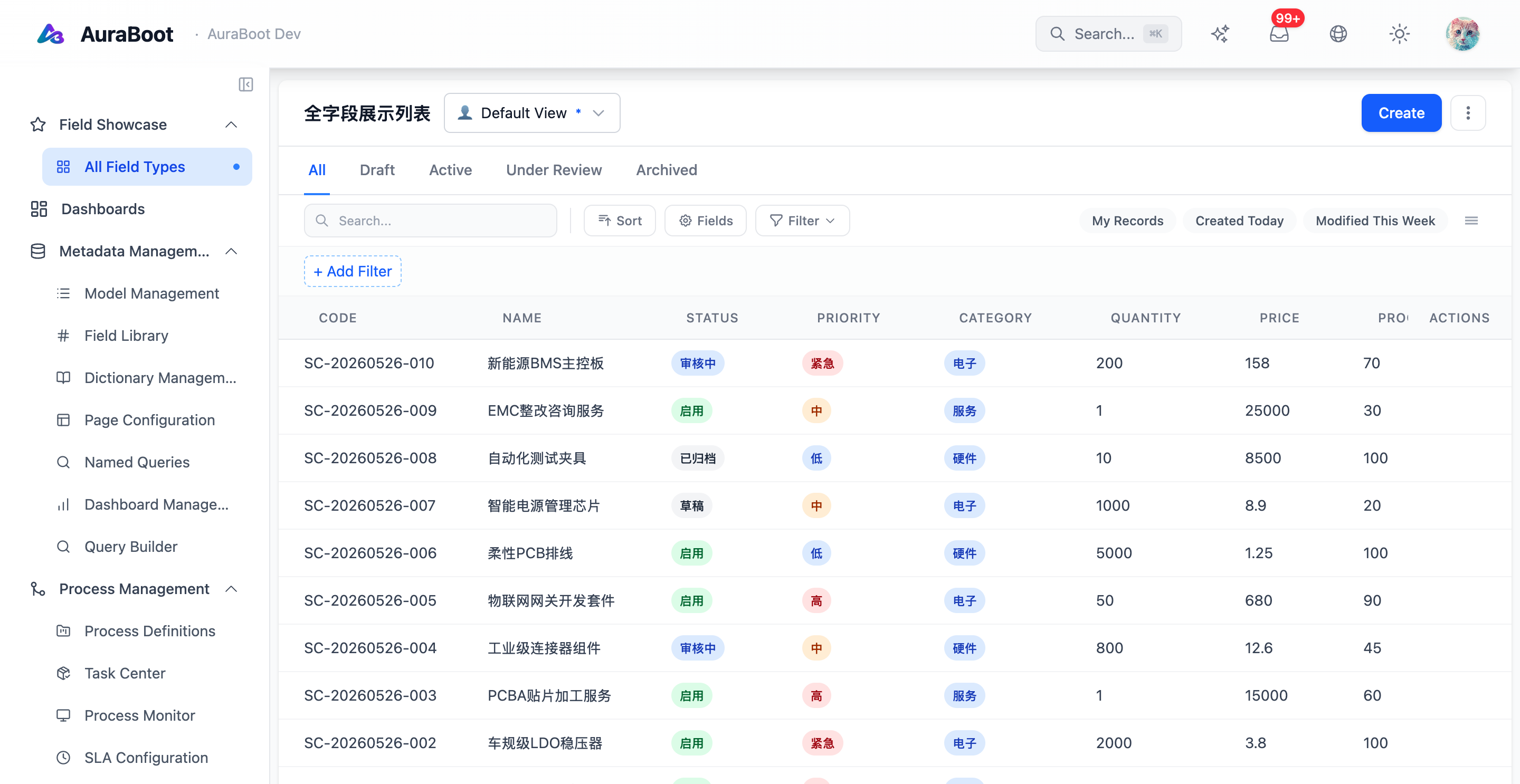
Save and publish. The platform will create the dynamic table automatically (see Models & Fields).
1.2 Create the Account model
# DSL snippet — for reference, you can edit this in Studio.
model:
  code: crm_account
  fields:
    - { code: name,    type: string(120), required: true, unique: true }
    - { code: domain,  type: string(80) }
    - { code: tier,    type: enum, values: [strategic, growth, smb] }
- { code: owner, type: ref, target: sys_user }1.3 Create the Opportunity model
Opportunity references Account and has stage + amount.
model:
  code: crm_opportunity
  fields:
    - { code: title,    type: string(160), required: true }
    - { code: account,  type: ref, target: crm_account, required: true, onDelete: restrict }
    - { code: stage,    type: enum, values: [prospect, qualified, proposal, won, lost], default: prospect }
    - { code: amount,   type: decimal(14,2) }
    - { code: close_at, type: date }
- { code: owner, type: ref, target: sys_user }1.4 Validation rules
Add these constraints in Studio → Models → Validation:
Lead.email— unique within tenantOpportunity.amount— non-negativeOpportunity.close_at— must be in the future whenstage != won|lost
1.5 Verify
Open Data → Tables and confirm:
mt_crm_lead,mt_crm_account,mt_crm_opportunityexist- Each row has
id(snowflake) andpid(ULID) populated automatically - The reference column
crm_opportunity.account_idhas a foreign key tomt_crm_account.id
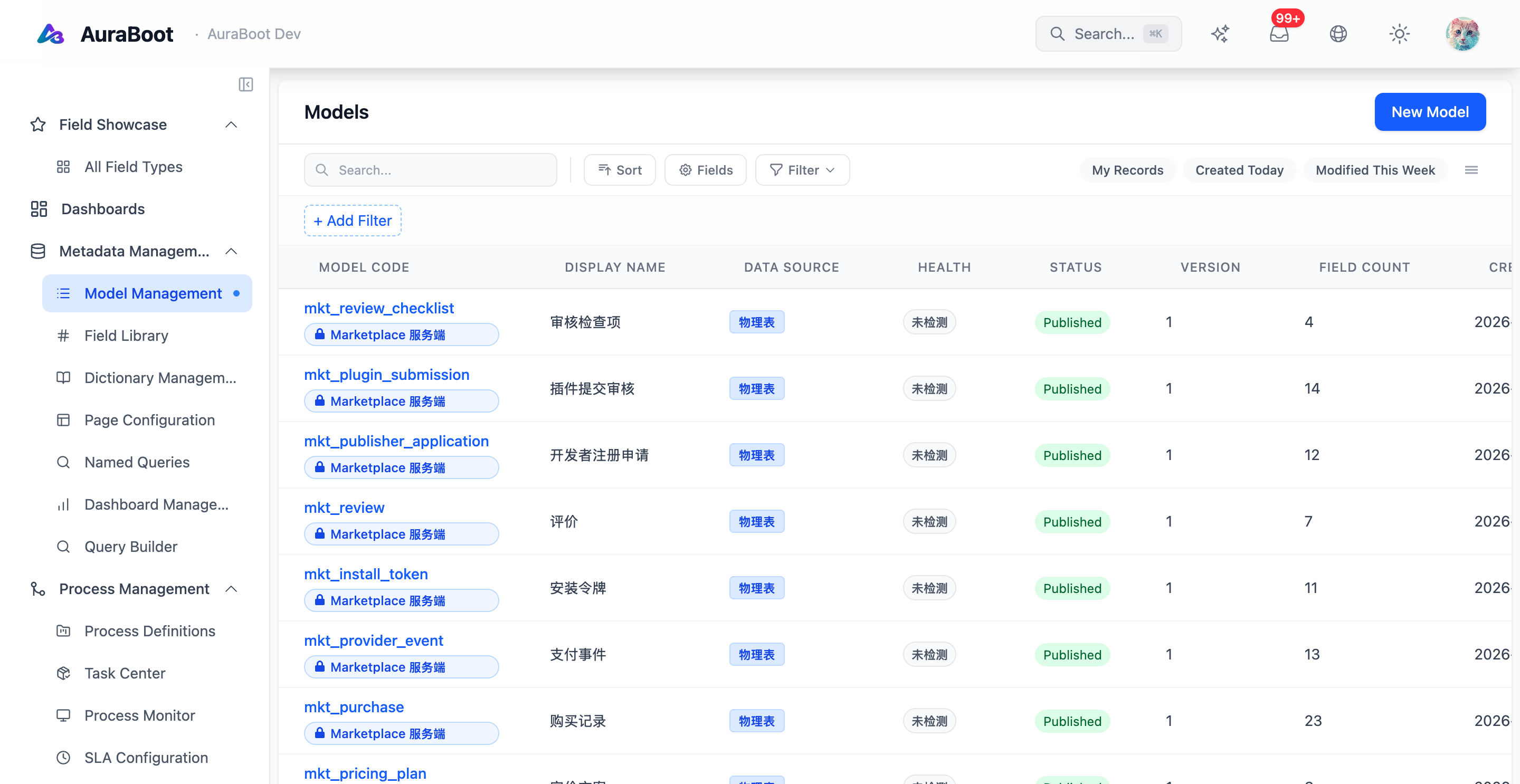
If any of these are missing, re-publish the model and re-check; the platform calls SchemaManagementServiceImpl.createTableByModel on publish.