Flow Designer
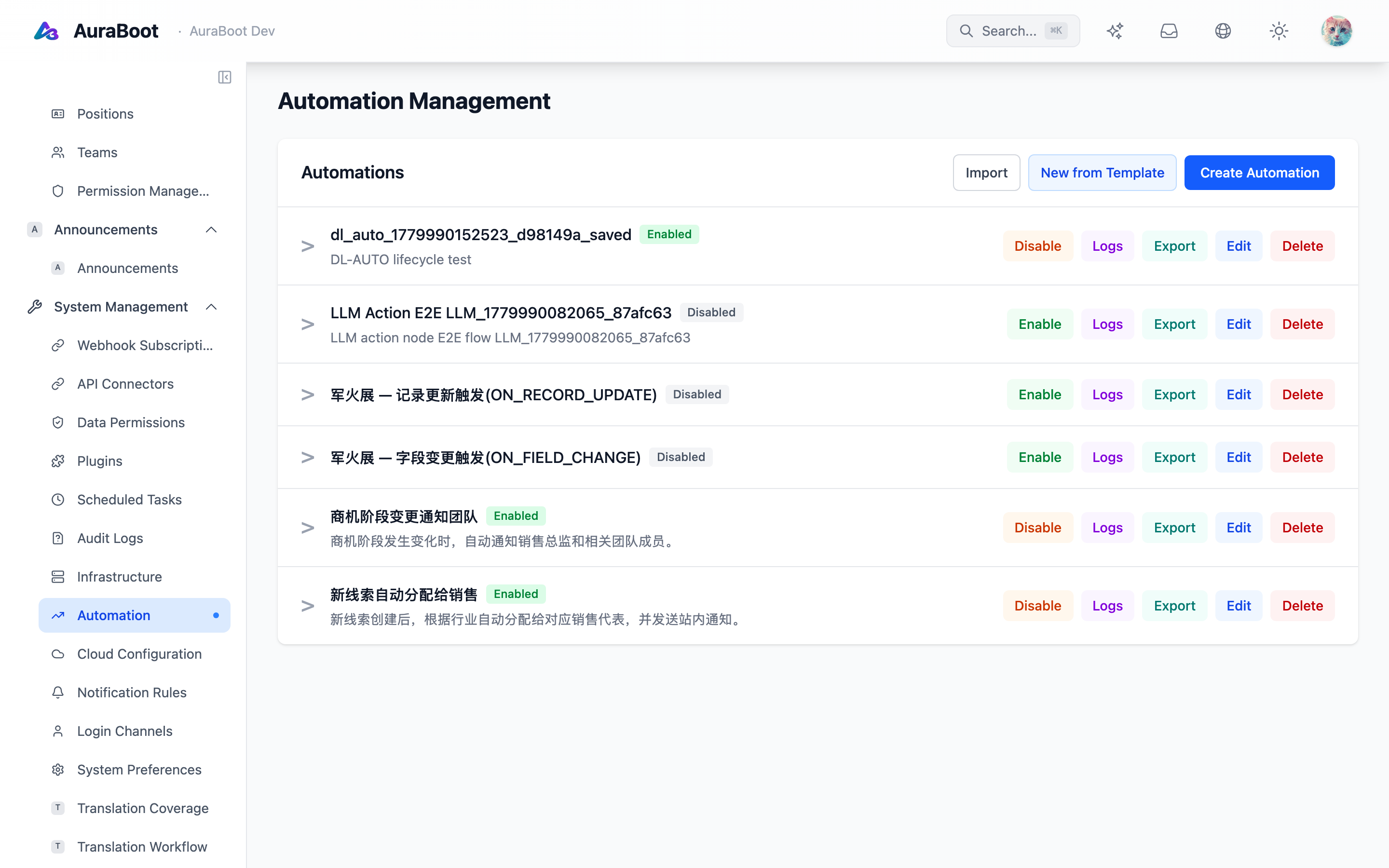
The Flow Designer is AuraBoot's reusable node-and-edge editor. BPMN workflows use a specialized process designer, while the Flow Designer provides a more general graph foundation for custom workflow-like experiences.
Use Cases
Use Flow Designer when the domain is naturally represented as nodes connected by edges, but it is not necessarily a BPMN process.
Examples:
- Automation chains
- Data enrichment pipelines
- Decision trees
- Integration routing
- Custom visual builders in plugins
If the workflow needs formal user tasks, gateways, process deployment, and task management, use BPMN Designer instead.
Core Concepts
| Concept | Description |
|---|---|
| Node definition | A registered node type with icon, label, defaults, and property schema |
| Edge | Connection between two nodes |
| Canvas | Drag, pan, zoom, select, and connect area |
| Property schema | Metadata-driven fields shown for selected nodes |
| Store | Runtime graph state used by the designer |
This makes the flow editor reusable. Plugin authors can register node types and property editors without rewriting the canvas.
Node Registry
Custom flows should start from a node registry. Each node type should define:
- Stable type code
- Display label and description
- Input and output handles
- Default configuration
- Property schema
- Validation rules
Node definitions should be versioned carefully. Once users save flows, changing a node's expected configuration can break existing metadata.
Property Editing
Flow Designer uses schema-driven property panels. This keeps node configuration consistent with other designers and reduces the need for custom React panels.
Good property schemas define:
- Field type
- Label and help text
- Required fields
- Defaults
- Select options
- Conditional visibility
- Validation constraints
Validation
A useful flow designer validates both graph shape and node configuration.
| Validation target | Example |
|---|---|
| Graph shape | Required start node exists |
| Connections | Node output can connect to target input |
| Node config | Required endpoint or command code is set |
| Cycles | Cycles are allowed or forbidden by domain |
| Compatibility | Saved metadata version matches runtime support |
Validation should produce actionable messages, not only "invalid flow".
Plugin Author Guidance
When building a plugin on top of Flow Designer:
- Keep node types small and composable
- Use schema-driven properties
- Store flow metadata as JSON, not embedded UI state
- Add import/export support when flows need Git review
- Add tests for node registration and serialization