Quick Start
Fifteen minutes from a clean machine to an AuraBoot you can actually log into, with a CRM already in it.
Prerequisites
- Docker Desktop or Docker Engine with Compose v2
- Git, and a browser
curlandpython3— both preinstalled on macOS and most Linux distributions;scripts/quickstart.shuses them
Just want to run it, not build it? Pull the prebuilt images instead of cloning and building — see Run from prebuilt images in Installation. Mainland-China users can pull from a faster Tencent Cloud mirror. On Windows, run the scripts below from WSL or Git Bash.
1. Clone and start the stack
git clone https://github.com/AuraBootTeam/auraboot.git
cd auraboot
docker compose --profile full up --build -dCold start takes 2–4 minutes; the backend health check waits 120 s before it starts probing. The full profile starts exactly three services:
| Service | Purpose |
|---|---|
| PostgreSQL | Metadata and business records |
| Spring Boot backend | Metadata registry, command execution, plugin import |
| Frontend / BFF | Browser UI and API proxy |
Redis, MinIO and the monitoring stack are not part of full — they live in the cache, storage and monitoring profiles, and you do not need them to evaluate AuraBoot.
Wait for the backend to report healthy:
docker compose ps2. Bootstrap it
./scripts/quickstart.shThis step is not optional. docker compose up starts the services and stops there — it creates no admin user and imports no plugins. Skip it and the login in step 3 fails with "Invalid username or password", because that account does not exist yet.
The script waits for the backend, creates the admin, and imports the plugin set in dependency order:
✓ backend is up
✓ admin created — admin@auraboot.com
✓ logged in
Importing plugins …
  ✓ core-meta
  ✓ core-bpm
  · core-decisionops (will retry)
  ...
  ✓ core-decisionops (retry)

AuraBoot is ready.It is idempotent — run it again whenever you like.
Prefer to do it by hand?
The script is two API calls and a loop. The admin comes from the explicit bootstrap endpoint:
curl -X POST http://localhost:3000/api/bootstrap/setup \
  -H 'Content-Type: application/json' \
  -d '{"companyName":"AuraBoot","adminEmail":"admin@auraboot.com",
       "adminPassword":"Test2026x","adminDisplayName":"Admin User",
"systemMode":"single"}'Then log in for a JWT and call POST /api/plugins/import/import-directory-sync once per plugin with {"path":"/app/plugins/<name>","conflictStrategy":"OVERWRITE"}.
AuraBoot never creates bootstrap data during startup. Initialization is always an explicit, auditable call — which is why it is a step you run, not magic that happens to you.
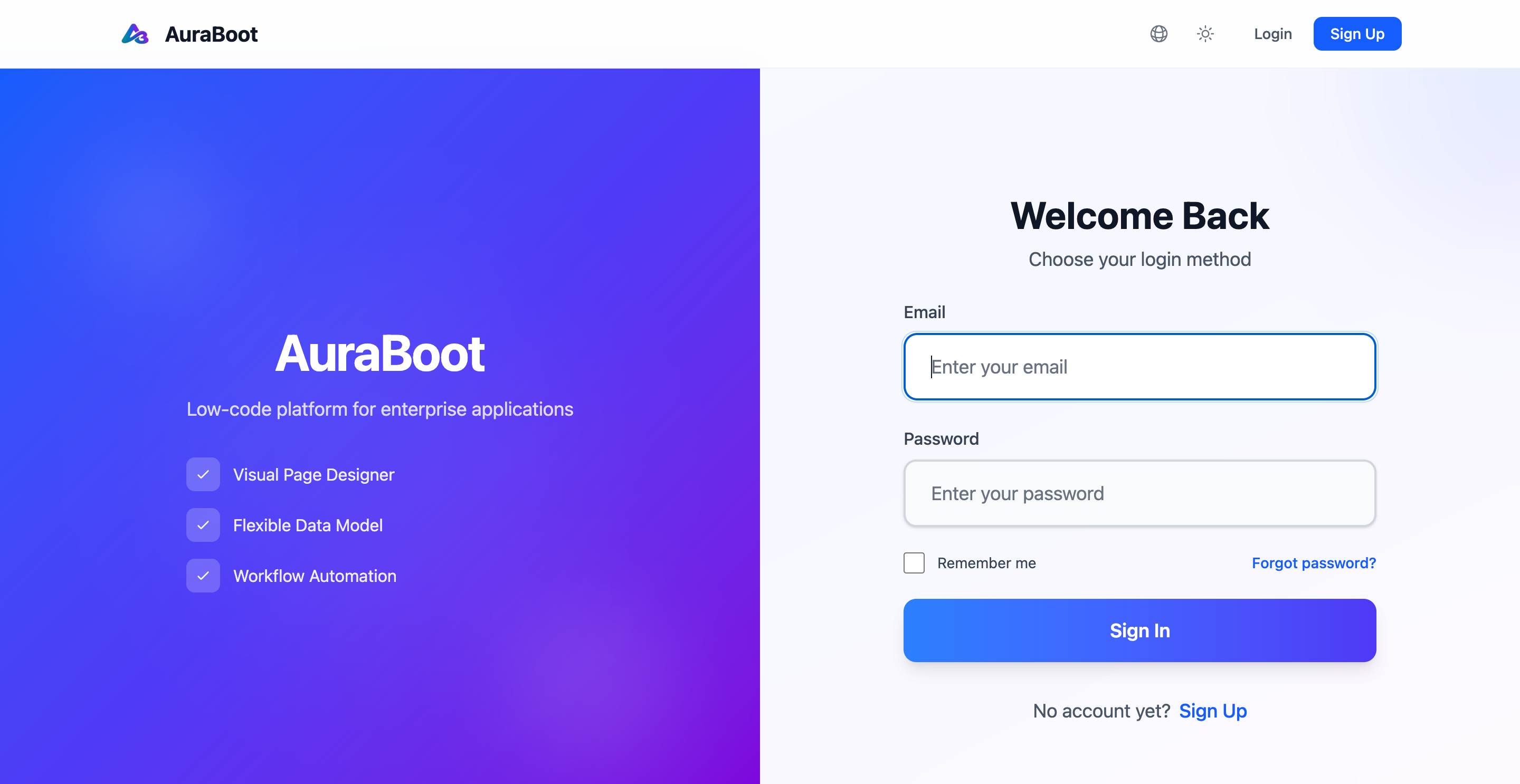
3. Log in
Open http://localhost:3000:
| Field | Value |
|---|---|
admin@auraboot.com | |
| Password | Test2026x |
Change that password immediately if anyone else can reach the instance.
4. Confirm you got a real platform
You should now have roughly 41 models and 109 menus — not an empty shell.
- The sidebar renders menus: CRM, Page Manager, Platform Admin among them.
- Open CRM → Leads. That list page, its columns and its form were all generated from the
crm_leadmodel definition. Nobody hand-wrote that page. - Create a record. It saves.
curl http://localhost:3000/api/bootstrap/status # {"initialized": true}(Only the frontend is published — docker compose never maps the backend's 6443 to your host. The BFF proxies /api/* to it, which is why every URL here is :3000.)
If the sidebar is empty, scripts/quickstart.sh did not finish. Re-run it — it names the plugin that failed.
5. Now build something
The point of AuraBoot is that a model, its pages, its commands and its permissions are declarations you keep in Git — and that every business write, whether it comes from a person, an automation or an AI agent, travels the same permission, validation and audit path.
The shortest way to feel that is to build one yourself:
- Your First Governed Change — ten minutes. Add a field, watch the platform refuse to write what you never declared, and read the audit trail. Start here.
- Create Your First Model — the same loop, but you author the model from scratch.
- Build a CRM — the same loop over seven chapters: model → pages → permissions → workflow → dashboard → mobile → release.
- Config-only Plugins — how far you get with no Java at all.
Troubleshooting
| Symptom | Cause |
|---|---|
Invalid username or password | scripts/quickstart.sh has not been run. There is no admin user until it is. |
| Logged in, but the sidebar is empty | Plugin import did not complete. Re-run the script; it names the plugin that failed. |
| Port 5432 already in use | POSTGRES_PORT=15432 docker compose --profile full up --build -d |
| Backend never goes healthy | docker compose logs backend. JWT secret is the default dev key means JWT_SECRET was overridden with fewer than 32 characters. |