Designer Overview
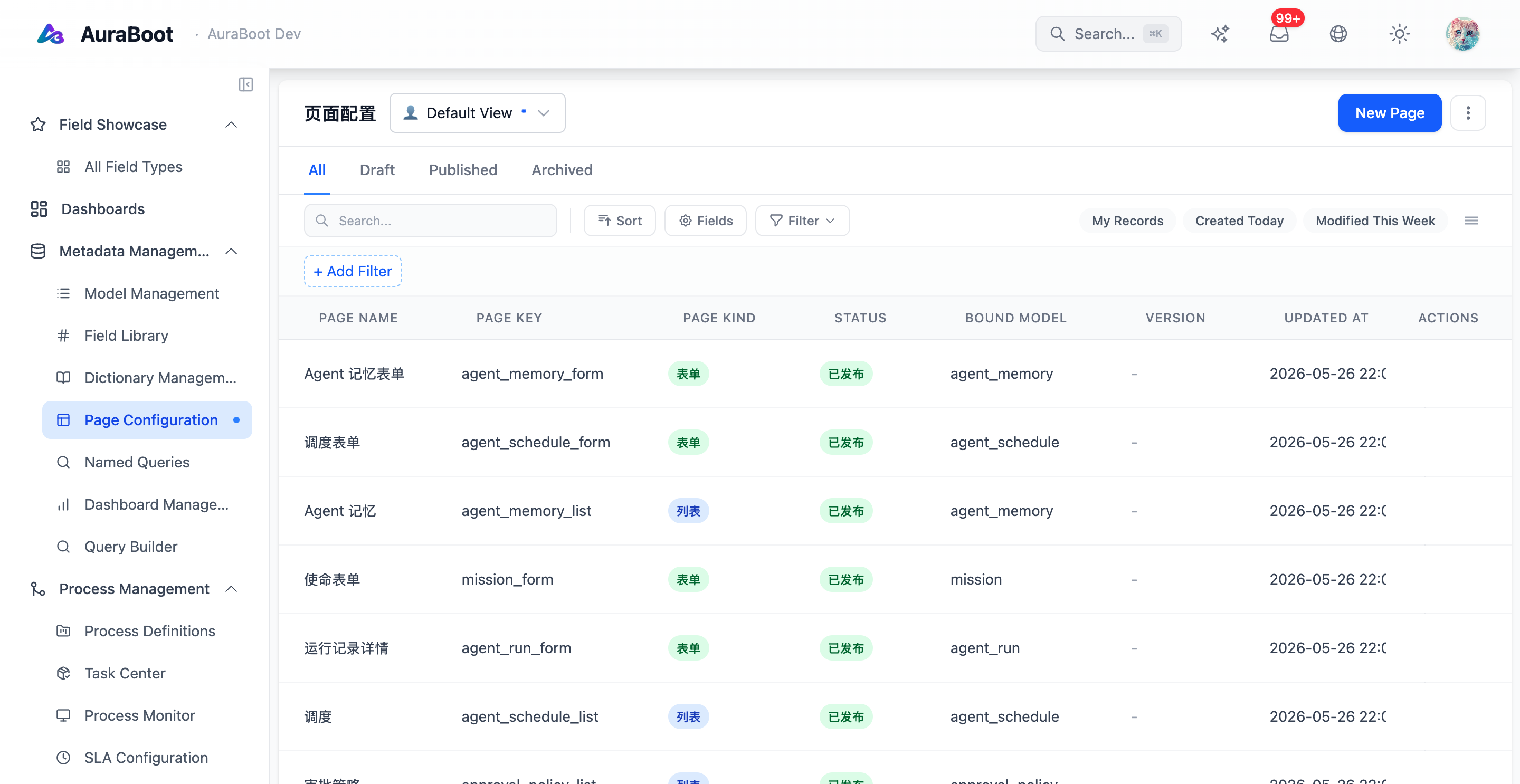
AuraBoot includes several visual designers for building metadata-driven applications. They are not separate low-code islands. Each designer produces structured metadata that can be rendered by the runtime, packaged by plugins, validated by governance checks, and reviewed in Git when exported.
OSS Designer Matrix
| Designer | Route | Primary output | Typical owner |
|---|---|---|---|
| Page Designer | /page-designer | Page schema for lists, forms, details, and layouts | App builder |
| Dashboard Designer | /dashboard-designer | Dashboard definition with widgets and data sources | Analyst or admin |
| BPMN Designer | /bpmn-designer | Business process definition | Process owner |
| Flow Designer | /flow-designer | General graph and workflow structure | Developer or automation builder |
| Query Builder | /query-builder | Structured query definition | App builder or analyst |
| Report Designer | /report-designer | Printable/report page definition | Operations or finance user |
The exact menu placement can vary by deployment and permissions, but these are the core OSS entry points visible in the application routes.
Shared Patterns
Most designers follow the same workspace shape:
- A left palette for blocks, widgets, nodes, fields, or query elements
- A central canvas or preview area
- A right property panel for the selected item
- Save, preview, publish, export, or version operations in the toolbar
- JSON-like metadata behind the visual editor
This consistency matters because users often move between designers. A model may start in the Page Designer, feed a Dashboard widget, appear in a Report, and trigger a BPMN workflow.
Metadata First
Designers should be used to create platform metadata, not one-off frontend code. For example:
- A list page is stored as page schema, not a custom React table
- A dashboard widget binds to a named query or aggregate source, not a hand-written component
- A workflow node references commands, users, roles, or process variables
- A report block references a model, named query, or page data source
This makes the system easier to migrate, test, and package into plugins.
How Designers Work Together
A typical app-building flow looks like this:
- Define the model and fields
- Build list and form pages in Page Designer
- Add named queries or aggregate data sources
- Create dashboards for operational visibility
- Model approval or fulfillment steps in BPMN Designer
- Create printable reports when users need exports or documents
- Use AuraBot and agents to query or execute the same metadata
Each step adds a layer of behavior while keeping the platform source of truth in metadata.
Versioning and Publishing
Designers usually separate draft state from published runtime state. The exact behavior depends on the designer, but the working model is:
| State | Meaning |
|---|---|
| Draft | Editable metadata, not necessarily live |
| Saved | Persisted work in progress |
| Published | Runtime-visible version |
| Version history | Previous saved or published revisions |
For production work, treat publishing as a release action. Preview with realistic data before publishing changes that affect end users.
Choosing the Right Designer
| Need | Use |
|---|---|
| CRUD list, form, detail, and page layout | Page Designer |
| Metrics, charts, KPIs, and operational boards | Dashboard Designer |
| Approval, routing, service tasks, and process status | BPMN Designer |
| Reusable graph editor or custom workflow structure | Flow Designer |
| Query composition without raw SQL editing | Query Builder |
| Printable or export-oriented business output | Report Designer |
If a feature can be represented as metadata, prefer the relevant designer. Use custom frontend code only when the behavior is genuinely outside the platform's metadata model.
Image Placeholders
The website image checklist includes screenshots for each designer. Add real OSS screenshots before inserting images into these docs so users see the actual product state rather than generic mockups.