BPMN Designer
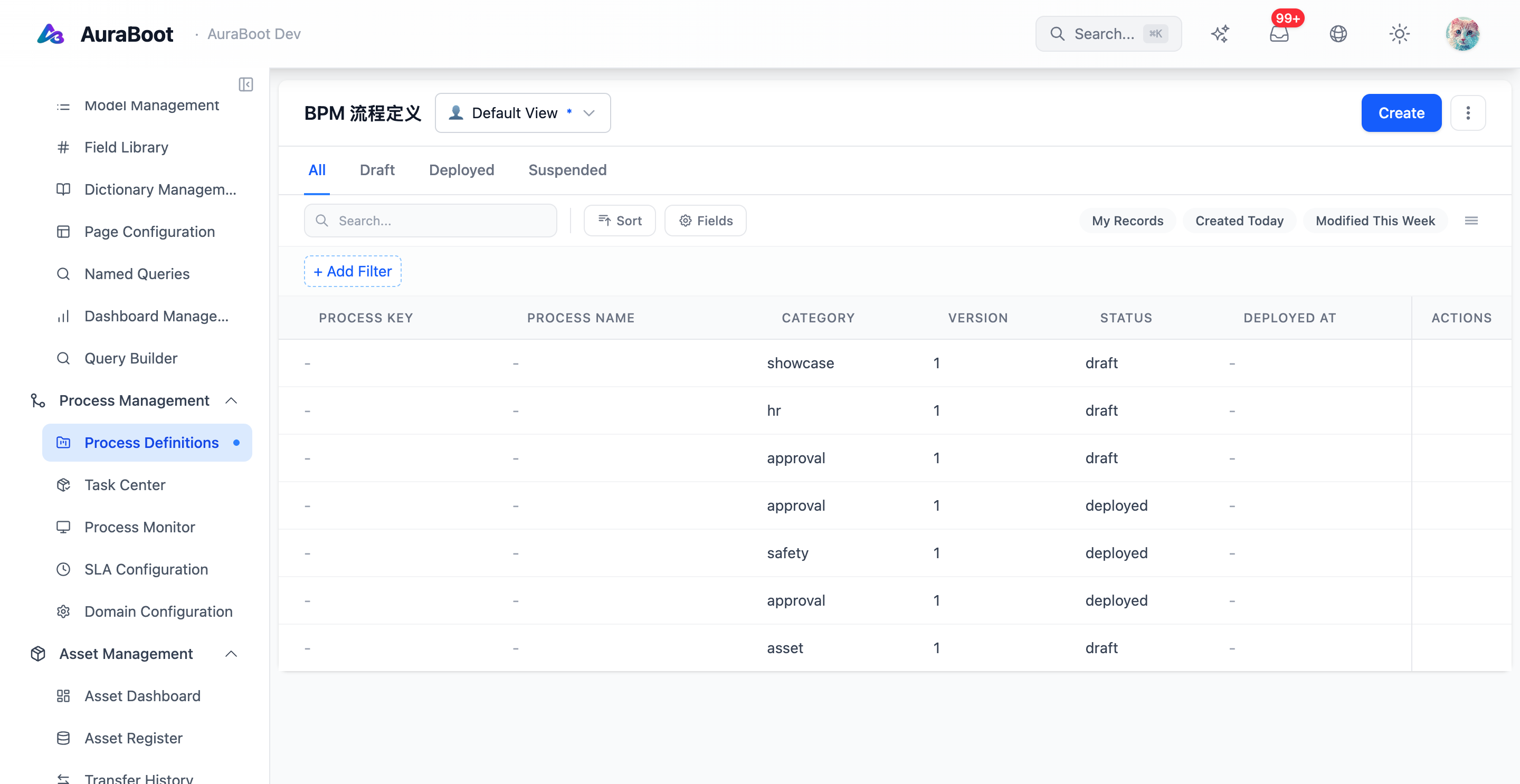
The BPMN Designer is used to model business processes such as approvals, reviews, fulfillment flows, and service-task orchestration. It gives process owners a visual way to define how work moves from start to completion.
Process Model
A process definition is made from nodes and edges.
| Node type | Purpose |
|---|---|
| Start event | Defines how the process begins |
| End event | Marks completion or termination |
| User task | Assigns work to a person, role, or team |
| Service task | Calls a backend operation or integration |
| Receive task | Waits for an external signal |
| Call activity | Invokes another process |
| Exclusive gateway | Chooses one path based on conditions |
| Parallel gateway | Runs multiple paths in parallel |
| Inclusive gateway | Runs one or more matching paths |
Edges connect nodes and can carry condition expressions when the process branches.
Designer Workspace
| Area | Purpose |
|---|---|
| Node palette | Drag process nodes onto the canvas |
| Canvas | Arrange the process graph |
| Property panel | Configure selected node or edge |
| Toolbar | Save, validate, publish, import, export, and inspect versions |
The designer should be used for process logic. Record fields, forms, and tables should still be modeled with metadata and pages.
Assignment
User tasks need a clear assignment strategy.
| Assignment type | Example |
|---|---|
| Specific user | Route a task to the original requester |
| Role | Route approvals to finance.manager |
| Team | Route fulfillment work to an operations team |
| Expression | Resolve the assignee from process variables |
Prefer role or team assignment for long-lived processes. Specific users are useful for escalation, delegation, or request ownership.
Conditions
Gateways and conditional edges use process variables and record data. Keep conditions readable and test them with example payloads.
Good condition:
amount >= 10000 && department == "finance"Weak condition:
customFlag == trueThe better condition explains business intent and is easier to review.
Service Tasks
Service tasks should call stable platform actions:
- Execute a DSL command
- Call a named backend operation
- Send a webhook or integration request
- Trigger an agent-reviewed step when configured
High-risk service tasks should have observability and retry policy designed explicitly. Do not hide irreversible side effects inside a vague service task.
Validation
Before publishing, check:
- The process has exactly one intended start path
- Every path reaches an end event or a documented wait state
- User tasks have valid assignment rules
- Gateways have complete conditions and defaults
- Service tasks reference existing commands or integrations
- Permissions and audit expectations are documented