Query Builder
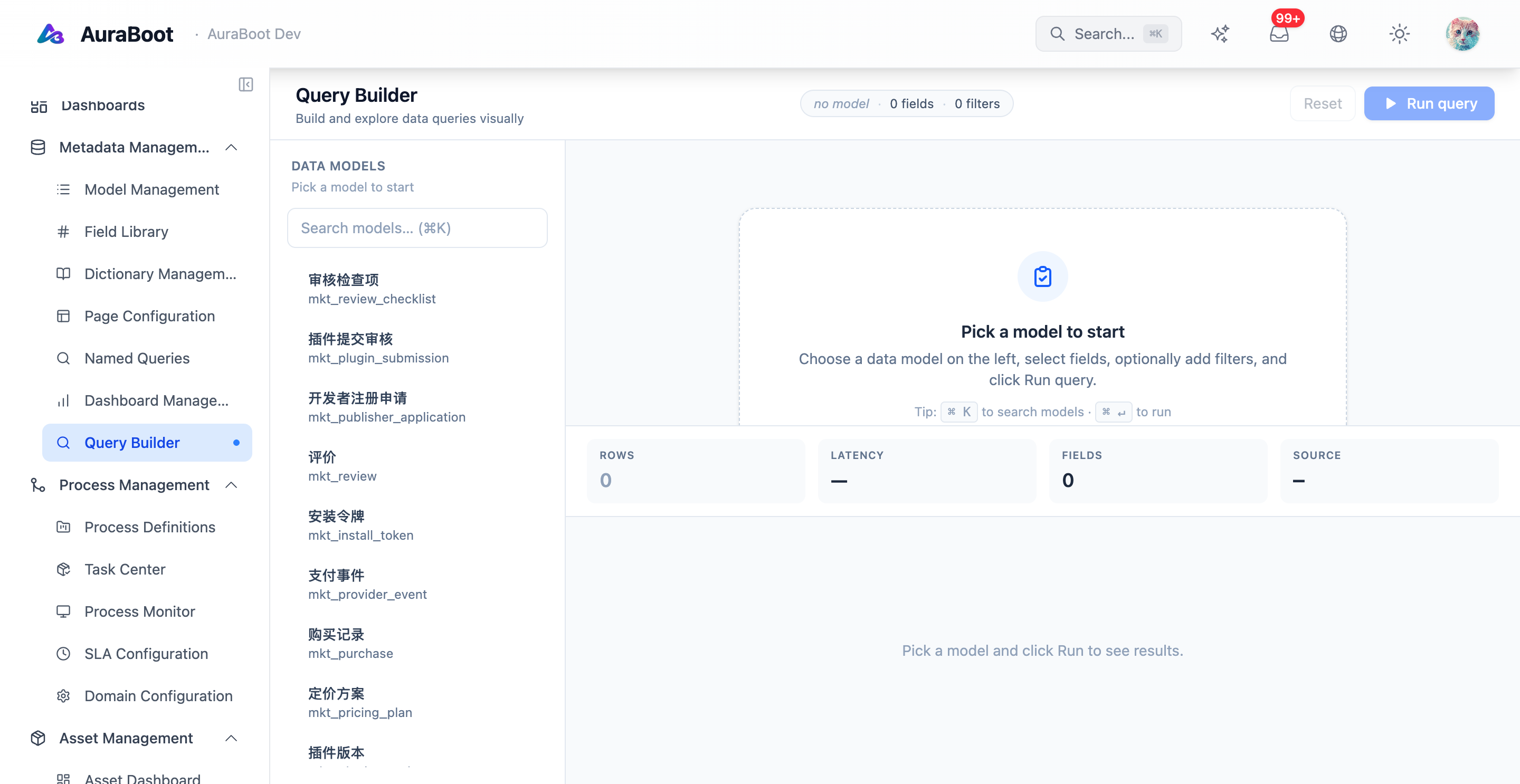
The Query Builder helps users create structured data queries without hand-editing raw SQL. It is most useful when a query needs to be reused by dashboards, reports, pages, or agent tools.
Why Use Query Builder
Business applications often need repeatable questions:
- Leads by source and status
- Orders by region and month
- Approval tasks older than a threshold
- Revenue grouped by customer segment
- Records missing required operational data
Instead of encoding these in a custom component, define the query as metadata and reuse it.
Query Shape
A query definition usually includes:
| Part | Purpose |
|---|---|
| Base model or table | Main data source |
| Selected fields | Columns returned to the caller |
| Filters | Static or parameterized constraints |
| Sort order | Default ordering |
| Grouping | Dimensions for aggregation |
| Metrics | Count, sum, average, min, max |
| Parameters | Runtime inputs such as date range or owner |
The builder should make these choices explicit so the query can be validated and reused safely.
Parameters
Parameterized queries are safer and more reusable than hard-coded filters.
| Parameter | Example |
|---|---|
fromDate | Start of reporting period |
toDate | End of reporting period |
ownerId | Current user or selected owner |
status | Selected process state |
tenantId | Current tenant scope |
Dashboards and reports can bind UI filters to these parameters.
Consumers
| Consumer | How it uses queries |
|---|---|
| Dashboard Designer | Chart and KPI data sources |
| Report Designer | Tables, cross-tabs, and summary blocks |
| Page Designer | Saved views or filter-backed sections |
| AuraBot | Read-only tools for natural language analytics |
| Plugins | Reusable data contracts packaged with metadata |
When a query becomes part of an agent tool, add a clear description and parameter examples so the model knows when to call it.
Safety
Query Builder should not become a bypass around application permissions.
Recommended rules:
- Keep tenant scope explicit
- Prefer model-aware queries where possible
- Avoid returning sensitive fields unless needed
- Apply row-level permission rules in the backend
- Review expensive aggregations before publishing
- Add limits for exploratory queries
Publishing Checklist
- Query name describes the business question
- Parameters have labels, types, and defaults
- Empty results are expected and handled
- Dashboard/report consumers have been tested
- Agent usage description is present if exposed to AuraBot